 |
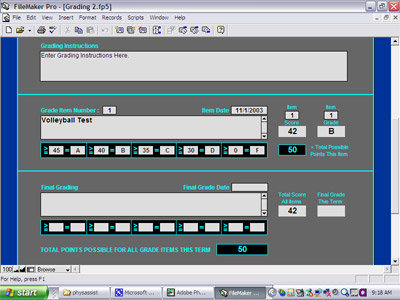
The Grading section allows teachers to keep track of all students’ assignments and tests and the grades awarded for each.
Each assignment or test is assigned a grade item number. Each grade item number can be assigned a different scoring parameter or grading curve. Once the scoring parameter is set, the students’ assignment or test scores can be entered, and PhysAssist™ will then automatically calculate a grade value based on whatever system the teacher employs.
PhysAssist's Grading Section keeps a running total of each students' total points earned, and at the end of the term, the final scoring parameter can be entered and each student's final grade for the term will be automatically calculated and displayed. |